
Managed Security | Sutton, South London
Cyber Security Services in South London
Cyber security services in South London, managed from our Sutton office. One monthly agreement covers antivirus, firewalls, email and DNS filtering, two-factor authentication and patching, all run by our engineers.
Protect my devicesTrusted pen testing, industry certified.





The real risk
Attackers Go After the Softest Target
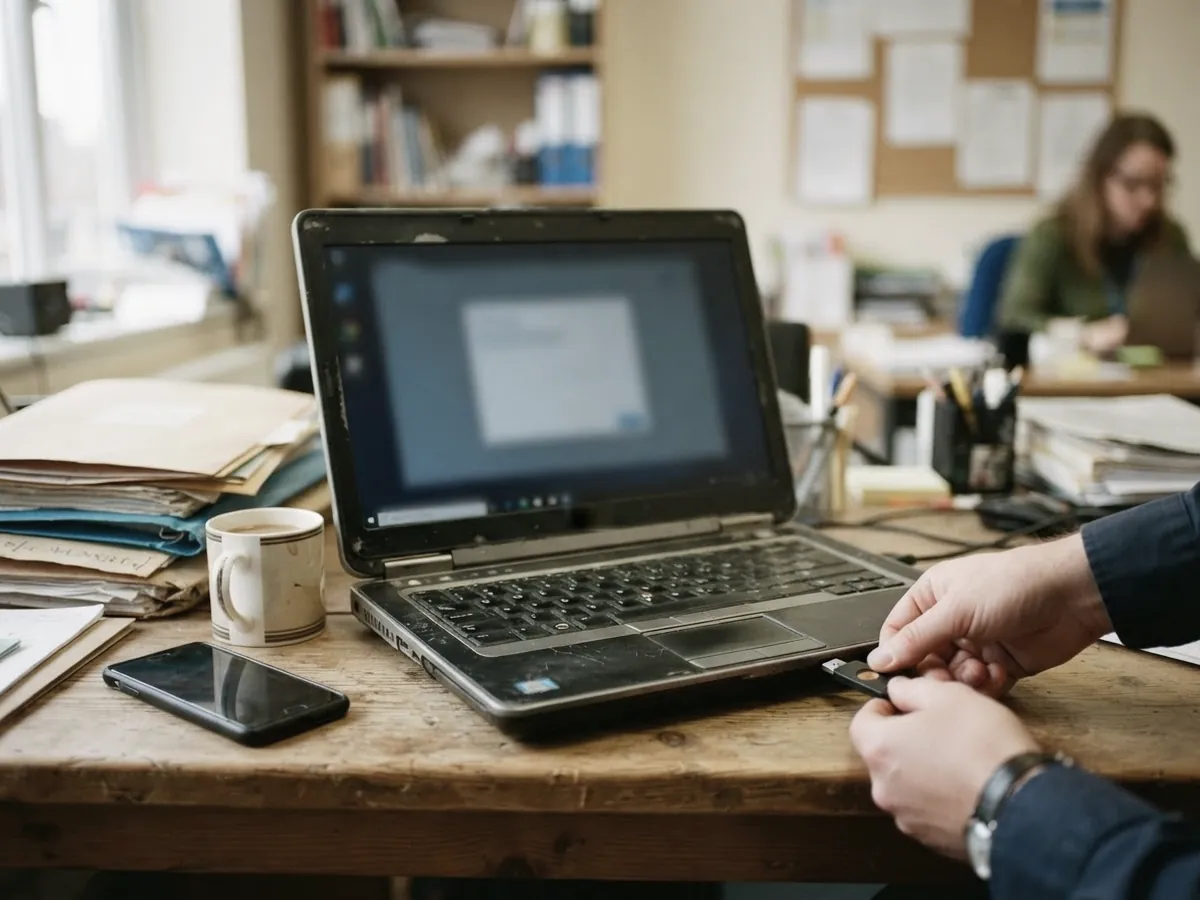
Small offices now face ransomware, phishing and data theft as often as big ones, because attackers choose whoever is least protected. The way in might be a laptop that skipped months of updates, a mailbox with only a password on it, or a convincing email asking your finance team to send money to a new account. With managed cyber security, our engineers look after those defences every working day.
It suits South London businesses without their own security specialist, such as solicitors in Sutton, accountants in Wimbledon, agencies in Carshalton and charities facing security checks from funders and insurers.
What one weak spot can cost
- Ransomware locking the server and staff unable to open files
- A taken-over mailbox sending clients false payment details
- A password leaked elsewhere letting someone into Microsoft 365
- A client security questionnaire you cannot answer, and a lost deal
Inside the plan
Your Managed Cyber Security, Run by Our Team
Security software on its own does not keep you safe. Safety comes from someone reading each alert, judging what it means and acting on it. Our plan includes both the tools and the engineers who watch them.
Managed antivirus and ransomware
Every PC, laptop and server runs managed antivirus with real-time detection and ransomware blocking. An engineer from our team reviews anything it catches and follows it up.
Email security and DNS filtering
Next-generation email security blocks phishing emails, spoofed senders and harmful attachments, while content and DNS filtering keeps staff off malicious sites.
Two-factor authentication (2FA)
We turn on 2FA for every user and look after it from then on, so a stolen password is not enough to get in.
Patching, firewalls and encryption
Automated patch management keeps Windows, macOS and your business apps current. We also run your software and hardware firewalls, and full disk and file encryption covers lost laptops.
Cyber awareness training
Your team is trained to spot a scam, report it quickly and avoid becoming the route an attacker uses.
Without and with
Common Security Gaps and How We Close Them
Default settings leave holes that attackers know how to find. Below is how the main risk areas usually look, and how they look once our engineers manage them.
| Area | Left alone | Managed by us |
|---|---|---|
| Logins | Shared inboxes guarded by nothing but a password. | 2FA on every account, legacy sign-ins switched off. |
| Phishing | Bogus supplier invoices reach staff mailboxes. | Spoofed senders stopped before delivery. |
| Patching | Laptops at home miss security updates for months. | Patches installed to schedule and reported monthly. |
| Ransomware | The backup drive gets encrypted too. | Cloud backups kept off site, with tested restores. |
How we work
Predict, Plan, Protect, Then Stay Alert
There are three stages. We predict where and when your business is most likely to be attacked, plan the protection from that audit, then protect you by putting the agreed measures in place and training your staff. After that, our engineers keep watch and review it all with you.
Predict: spot the weak points
We review Microsoft 365, your devices, firewall, backups and admin accounts, then tell you in plain terms where an attacker would most likely start.
Plan: a fit for your business
What the audit finds turns into a security plan sized to your team and budget, on a single monthly agreement.
Protect: roll it out
The agreed controls go in step by step, with training for your staff as we go. We warn anyone whose device is about to change, so no one loses time in the middle of their day.
Watch, then review
Our engineers respond to alerts, install each month's patches and meet you at set points as threats and your business change.
Security questions
Managed Cyber Security in South London: FAQs
How is managed cyber security priced?
Normally as a monthly fee per user or per device. The figure depends on your headcount, the security tools you already have and how much of the work you hand to us. Once we have reviewed your setup, we send a proposal that lists every control, from antivirus and email filtering to 2FA, patching, backup and training, with all costs quoted up front.
Is Microsoft 365 secure by default?
Not fully. It comes with strong features like Defender, MFA and conditional access, but several are switched off or set loosely as standard. We set them up around how your staff work, then add monitoring, tested backups and training.
What do you watch, and what hours do you work?
We watch your devices, network, firewalls and Microsoft 365 accounts. Each alert becomes a ticket in our helpdesk, and our engineers handle the most serious ones first, Monday to Friday, 9am to 5pm. Extended-hours packages are available on request.
Can you get us ready for Cyber Essentials?
Yes. We test your setup against the five Cyber Essentials controls, fix anything that would fail, help with the assessment and keep you compliant.
What should we do if ransomware hits?
Ring 020 4553 9627 at once. We disconnect the affected machines, lock down any accounts at risk and work out what the attacker reached. We then restore clean data from tested backups and advise you on reporting to the ICO, your insurer or Action Fraud.
Can you help us answer client security questionnaires?
Yes. Send it over and we will draft the answers from the controls we manage, backed by evidence such as MFA reports, patch levels and backup test results. If a question exposes a gap, we tell you how to fix it before you reply.
Which parts of South London do you protect?
Firms across South London, from Sutton, Wallington and Belmont to Wimbledon and Colliers Wood. We work remotely where we can and visit as needed.
Get in touch
Speak to Our South London Cyber Security Team
Tell us how many people and devices you have, and we will show you where your largest security risks sit. Call 020 4553 9627, email hello@southlondonitsupport.co.uk or send the form and an engineer will reply to you.
Contact us