
Guest and office WiFi | South London
Business WiFi in South London for Venues, Shops and Offices
We set up and look after business WiFi in South London for cafes, salons, gyms, shops and offices, from Sutton High Street to Wimbledon. Visitors log in through your own branded page, consent is recorded and their devices never touch the staff network.
Book a free IT reviewIn plain terms
What does business WiFi cover?
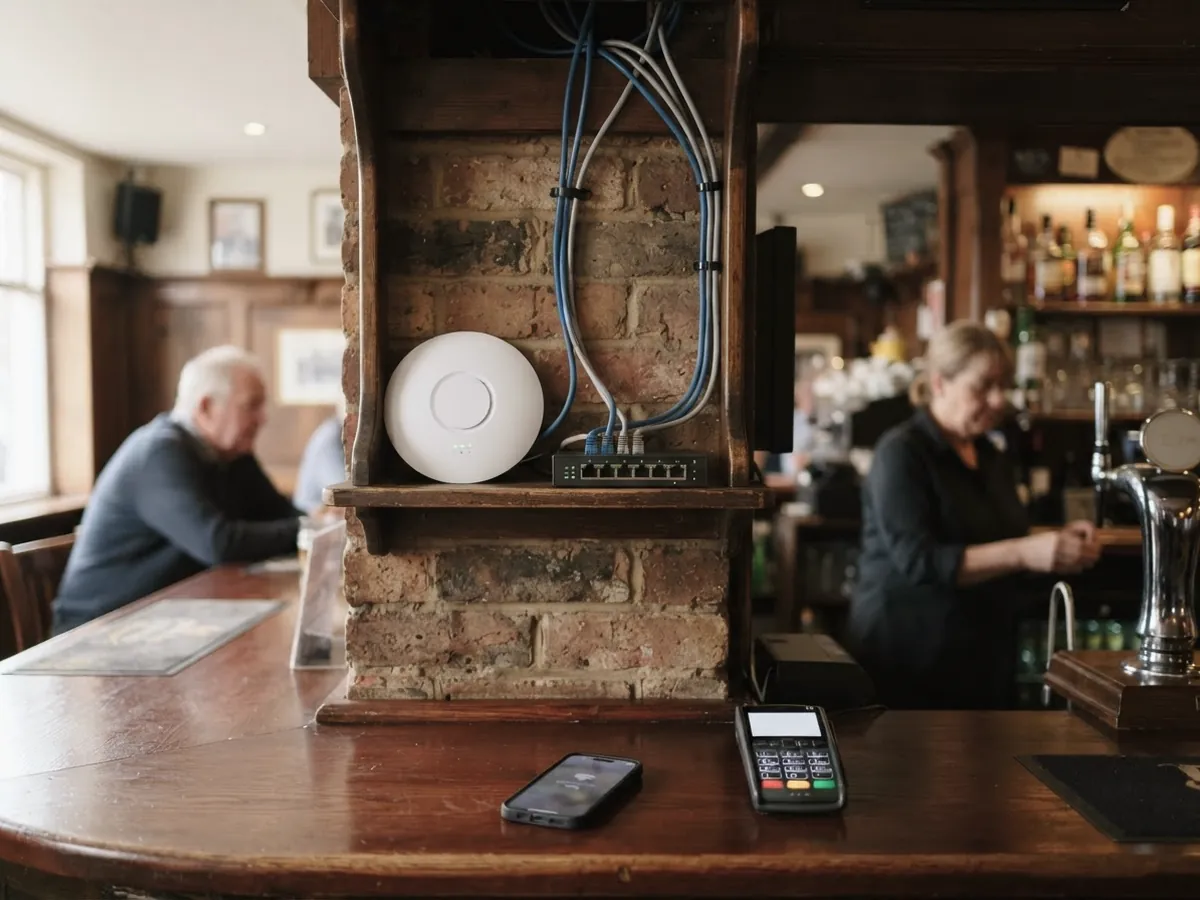
Two networks run side by side. Staff, office PCs and card readers stay on a private network, while customers join a separate guest one. The guest layer is cloud-based and sits on top of your existing WiFi, so new hardware is rarely needed. Every visitor sees your login page, unsafe sites are blocked and no single phone can hog the line.
Most setups are finished in under an hour, and an online portal lets you change the login steps, splash page and branding yourself. It fits pubs, salons, gyms, clinics and offices anywhere visitors ask for the WiFi code.
Included as standard
Everything in Our Managed Guest WiFi Service
We look after the customer network and the staff network as one service, from fitting the access points through to monitoring and later changes.
A separate guest network
Visitors connect to their own VLAN, and firewall rules stop them reaching card readers, office PCs or printers.
Branded login page
Guests see your logo, terms and current promotion, then connect in one click, by email, with a social account or using a voucher code.
GDPR-ready sign-ups
Contact details are gathered through an unticked opt-in and logged in the portal, so you can show consent for every address.
Safe browsing filter
Adult, illegal and harmful sites are blocked on the guest side, which keeps your WiFi suitable for children and families.
Fair use per device
A speed limit on every visitor’s phone keeps bandwidth free for card payments and staff video calls.
Footfall and visit reports
The portal shows visitor numbers, time spent and returning guests, handy when planning shifts or offers.
Staff WiFi included
We run your office and meeting room WiFi on the same platform, so one request updates passwords or coverage everywhere.
Ongoing monitoring
Every access point is monitored, and portal or password changes are one email or phone call away.
Planned around your building
Guest WiFi for South London Shops, Venues and Offices
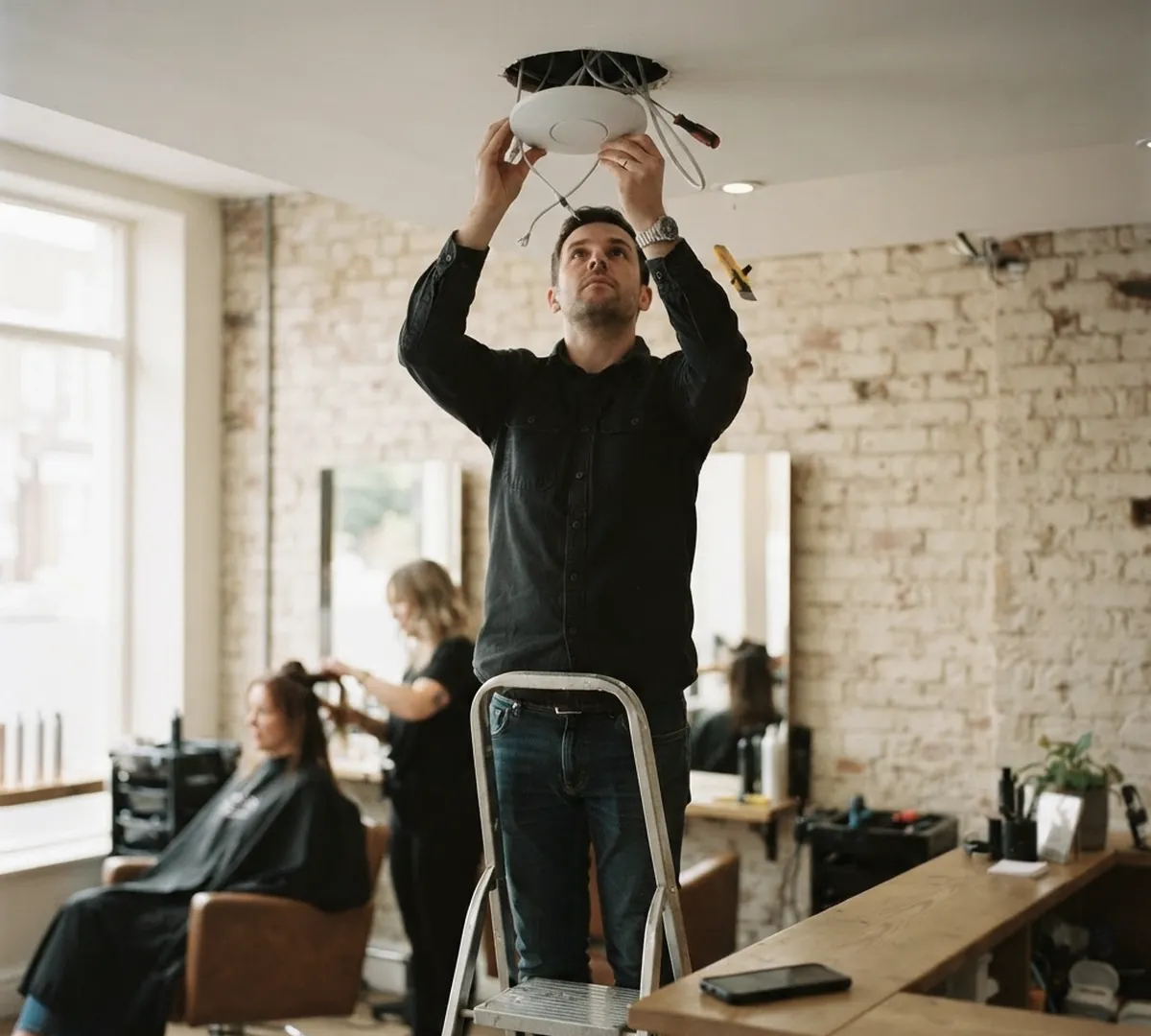
A salon in Cheam, a gym in Wimbledon and a dental practice in Carshalton all want visitor WiFi, each for its own reasons. Solid Victorian walls, basements and upstairs rooms leave weak spots in many local buildings, and a WiFi code pinned up by the till soon spreads well past the front door. We design each network around who will connect and where they sit.
Our guest WiFi helps you:
- Keep visitors off your payment network
- Track footfall and returning visitors
- Share bandwidth fairly between guests
- Grow a marketing list with proper consent
- Change passwords or splash pages quickly
Problems we fix
Where Venue WiFi Usually Goes Wrong
Most issues trace back to a home-grade router and a code half the neighbourhood knows. We split the networks, close the coverage gaps, decide who can join and keep watch on the access points afterwards.
Visitors on the payment network
One shared code puts a customer’s phone on the same network as your card machines and office computers. We separate the two and lock down the guest side.
Dead spots upstairs and at the back
A single router rarely covers every floor of a South London terrace or gets through solid old walls. We survey the weak spots and fit extra access points.
A code that never changes
A WiFi code on a chalkboard gets passed around and is almost never updated. One-click login, social login or vouchers give you control again.
Mailing lists you cannot use
Emails gathered on paper forms or with pre-ticked boxes may not be usable for marketing. We set the portal to ask each guest for an active opt-in.
Getting started
From Site Visit to Live Login Page
Good guest WiFi cuts the queries at the counter and front desk. Three steps take you from a site visit to a working network that we then look after.
Walk the premises
We tour the building, check your current WiFi equipment and see where staff and visitors use their devices before suggesting anything.
Fixed written quote
The quote lists the networks, the login page, sign-in options and any extra access points, and the price is agreed before we start.
Go live and look after it
We switch on the portal, design your splash page, test signal in every room and keep monitoring the network once it is live.
Guest WiFi FAQs
Business WiFi Questions From South London Businesses
What does managed business WiFi cost?
It depends on the size of the premises, how many access points you need and whether you want the branded portal and marketing features. It is billed monthly, and the price is quoted up front after a site visit.
Could guest WiFi expose our own systems?
Not if it is configured correctly. Visitors sit on their own VLAN behind firewall rules, away from tills and PCs, and a per-device speed cap stops anyone hogging the line.
What is a splash page?
It is the screen a visitor sees before the WiFi connects them. It carries your branding, asks them to accept your terms and can offer a social login or a newsletter opt-in.
Is it legal to collect customer emails over WiFi?
Yes, provided the portal meets UK GDPR. The marketing box must be unticked by default, kept apart from the terms and linked to your privacy notice. We set it up to record consent for each guest.
Do we have to replace our WiFi equipment?
Usually not. The guest service runs in the cloud on top of your existing access points, and most setups take under an hour. Where thick walls or extra floors cause weak spots in a South London building, we test the signal in each room, add access points where needed and monitor them so faults are caught early.
Accredited IT support, independently certified.






Get in touch
Talk to Us About Business WiFi in South London
Tell us about the premises and roughly how many people log on each day, and we will suggest the right setup. Call 020 4553 9627, email hello@southlondonitsupport.co.uk or fill in the form to book a site visit.
Contact us