
Cloud Phones | South London
VoIP Phone Systems in South London
A VoIP phone system for South London businesses that follows your staff, ringing on a desk handset, a laptop or a mobile app. Customers keep dialling your existing 020 numbers while we port them, configure the phones and get you off copper ahead of the PSTN switch-off.
Book a VoIP consultationHow it works
Phone, Message and Video on One System
A cloud phone system, often called hosted VoIP, carries calls, instant messages and video meetings over your internet line rather than copper. Extensions, call menus, queues and opening-hours rules live online, so every device behaves the same way.
Port your 020 numbers across or pick a new local or national number. Staff pick up on a desk phone, a softphone or the mobile app over WiFi, 4G or 5G, callers see the company number instead of a personal mobile, and transfers and voicemail follow each person.
The copper PSTN and ISDN network is closing, which makes this a good moment for South London businesses to switch their phones to VoIP.
Speak to our team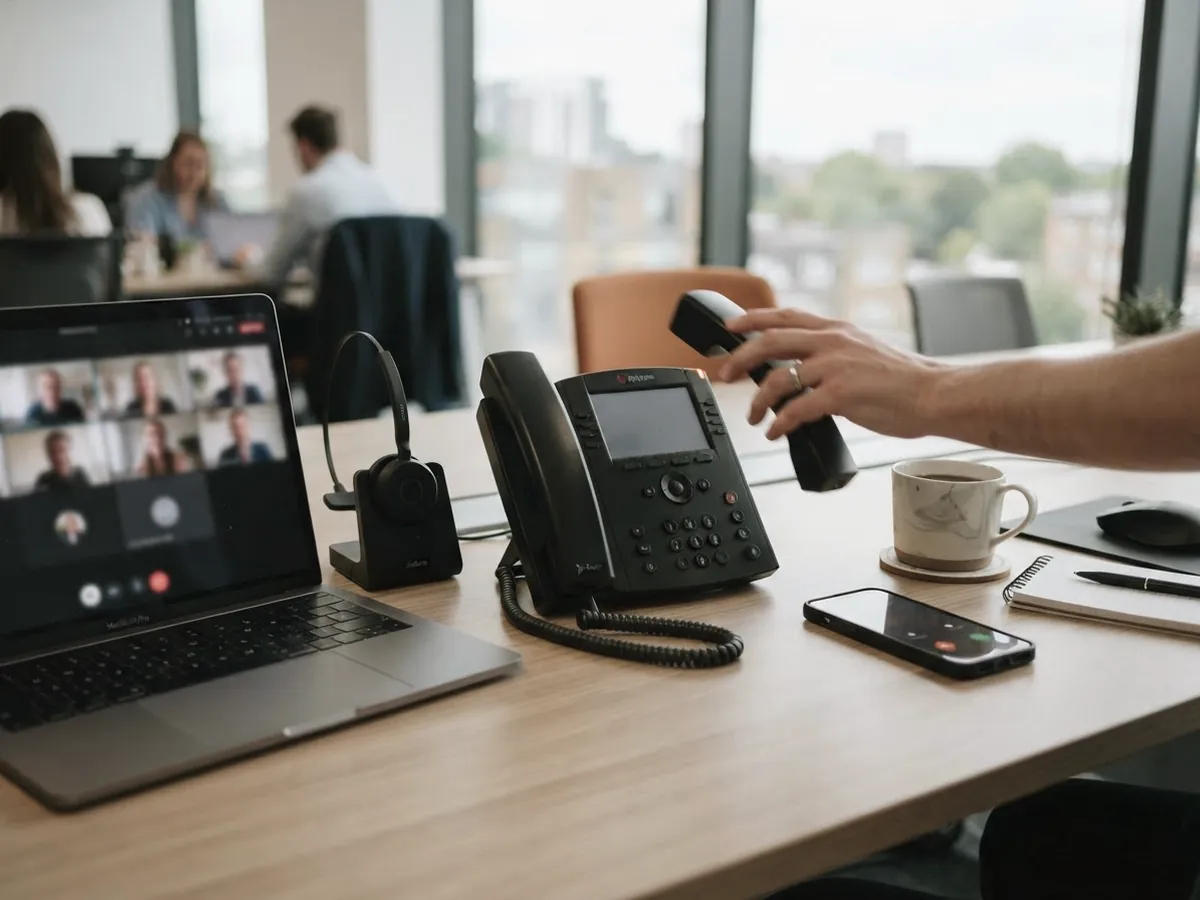
Common reasons
Why Businesses in South London Switch to VoIP
Firms across South London usually get in touch once their phone setup starts holding them back. Here are the four reasons we hear most often.
Calls nobody answers
The office phone rings out while staff are visiting a client in Wimbledon or working from home in Cheam. On a cloud system that same call also rings their laptop and mobile app.
The copper switch-off
The UK's copper phone lines are being withdrawn. We find everything still using them, alarms and card terminals included, and move each item to a digital service before the cut-off.
Paying for idle lines
Unused ISDN channels, an old fax line and spare numbers often stay on the bill for years. We cancel what you no longer need and port the numbers you want to keep.
Choppy call quality
Call quality relies on a stable connection more than headline speed. We test your line, prioritise voice traffic on the router and only suggest an upgrade or backup if it will help.
Ways to answer
Handsets in the Office, Apps Everywhere Else
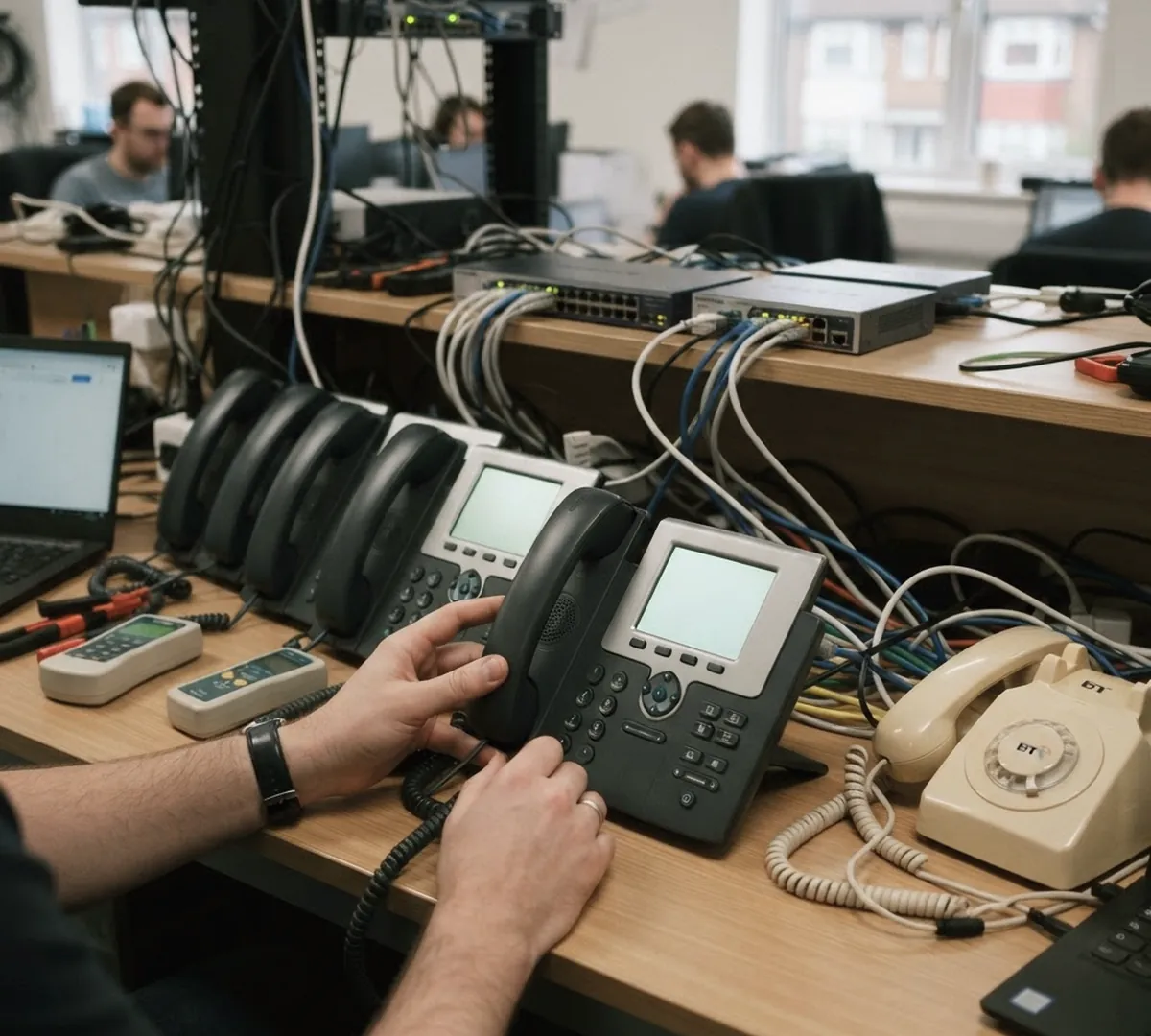
Plenty of teams still like a proper handset on the desk. We supply, configure and fit IP phones on your VoIP system, and anyone at home or travelling answers the same number on a laptop or the mobile app.
IP desk phones
Some of your current handsets may work on the cloud system, though older analogue and ISDN models will not, so we test each one in the audit. New phones are configured before switch-over day, staff get a short walkthrough, and reception or sales teams can use call queues, ring groups and on-hold music.
- Current handsets checked first
- Ring groups in sequence or all at once
- Configured and tested before go-live
Desktop and mobile apps
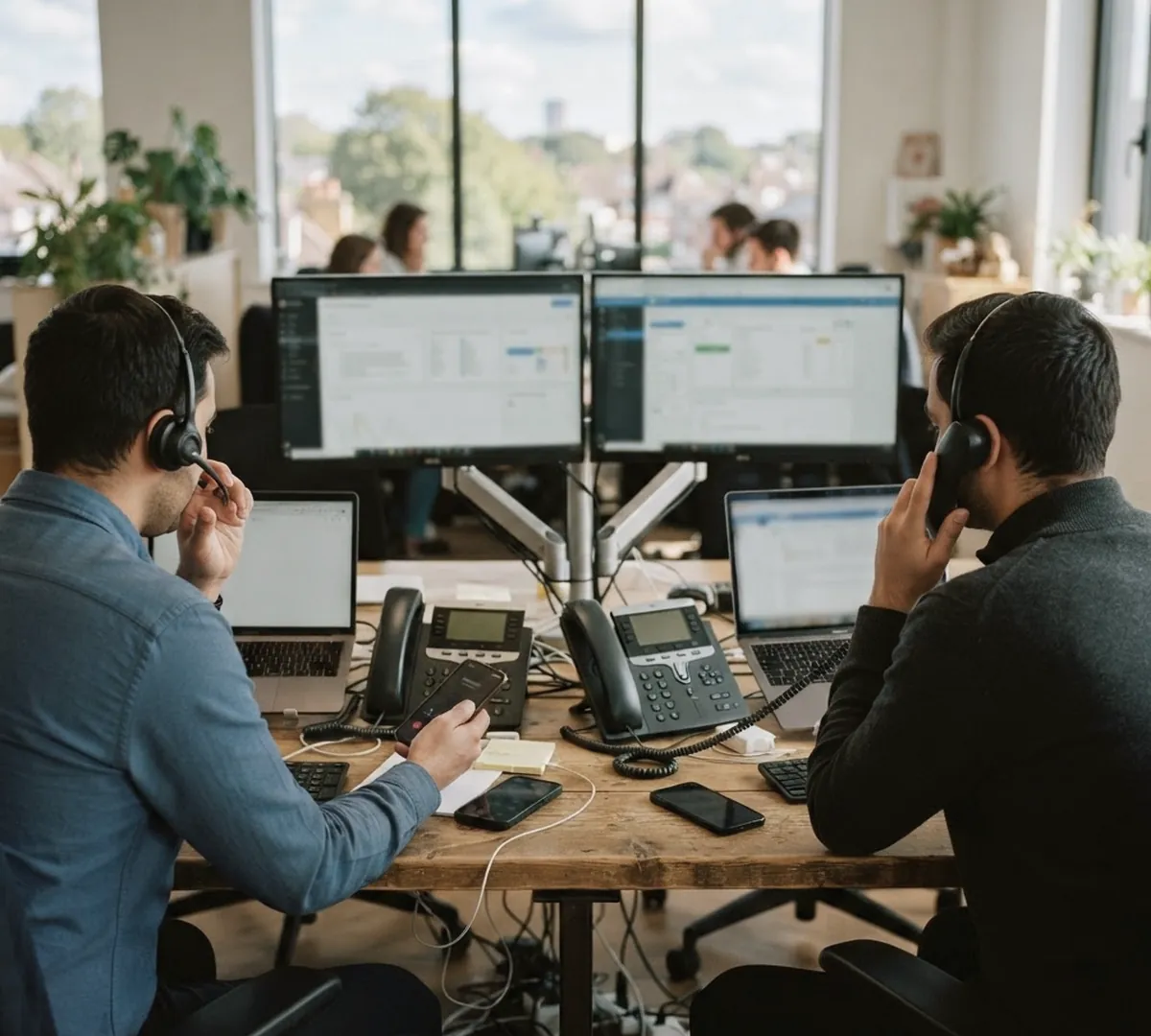
Staff on the Northern line from Morden, at a client meeting in Wimbledon or working from home in Carshalton answer office calls on the laptop or mobile app, and calls they make still show your 020 number. If the office internet fails, calls divert to mobiles or another site and staff pick up on the app over 4G or 5G.
- Outgoing calls show your 020 number
- Works over WiFi, 4G or 5G
- Optional Microsoft Teams calling
Switching over
Moving Your Phones to VoIP, Step by Step
There are four stages to moving a South London business onto VoIP, from auditing today's lines to looking after the new system once it is running, and we handle every one of them.
Audit your lines
We list every number, line and handset, along with anything else on copper such as intruder alarms, lift emergency phones and card machines, so nothing goes dead when the old network is switched off.
Plan the call routing
We work out who answers which calls, build menus, queues and opening-hours rules, and send a written quote with options such as call recording, call reports and live call dashboards.
Port and set up
Your numbers are ported, every handset and app is configured, and staff are shown the system before go-live.
Support after go-live
New starters, menu changes and faults go through one local number, and the system changes as your team grows.
FAQs
Your VoIP Phone System Questions Answered
Can we keep our 020 numbers?
Yes, in nearly every case. We port them from your current provider, so customers carry on calling the numbers they already have. A few on older or specialist services need extra checks, which we finish before you sign anything.
How does the PSTN switch-off affect us?
The analogue PSTN and ISDN network is being turned off, so any phone, alarm or card machine still using a copper line has to move to a digital service beforehand.
Can staff take office calls at home?
Yes. The main number rings their laptop or mobile app alongside any desk phone, so calls reach them at home or between meetings, and calls they make still show your 020 number.
Do we have to buy new desk phones?
Not always. Some handsets you already own may carry over, but older analogue and ISDN phones will not. We check them in the audit, and many staff end up preferring the desktop or mobile app anyway.
What internet connection do we need for VoIP?
Reliable business broadband or a leased line with enough upload capacity for your busiest hours. A single call needs little bandwidth but a steady connection, so we test your line before the switch.
What about our alarm and card machine lines?
Check them before the switch-off, because many alarms, lift phones and older card machines across South London still dial out over copper. We trace each one and move it to a digital or 4G service.
Can we make and take calls in Microsoft Teams?
Yes. We can connect your numbers to Microsoft Teams so staff place and answer external calls in the Teams app on a laptop or phone, and anyone who prefers a desk handset can keep one.
What if the office internet goes down?
Calls still arrive. As the system runs in the cloud, an office outage just diverts calls to mobiles or another site, and staff answer on the app over 4G or 5G. We can also add a backup connection.
Accredited IT support, independently certified.






Get in touch
Talk to a VoIP Phone Specialist in South London
Tell us how many people take calls and how calls are routed now, and we will recommend a cloud phone setup to suit. Call 020 4553 9627, email hello@southlondonitsupport.co.uk or send a message and we will ring you back to discuss it.
Contact us